What is VLM? Easily Understanding from Vision Language Model Concepts to Document AI Applications
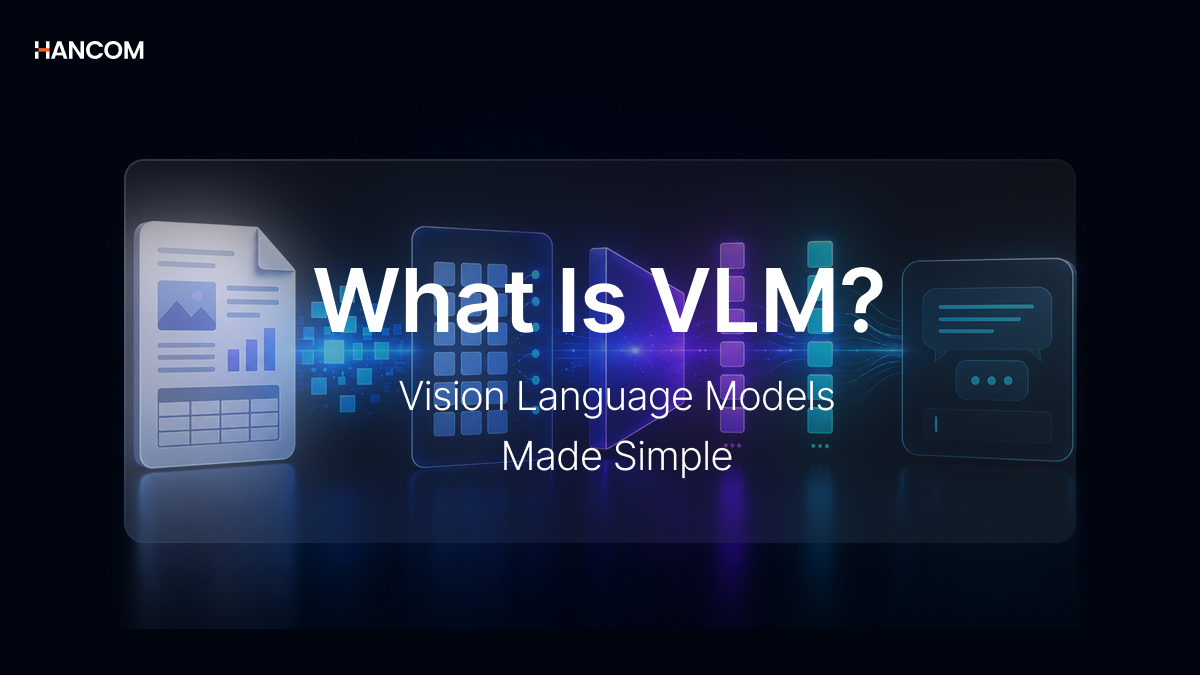
Have you ever experienced taking a picture of a receipt and having AI instantly read the amount, or summarizing key clauses from a contract image?
The core technology behind these capabilities is VLM (Vision Language Model). It is a multimodal AI technology that understands images and text together, and it has been rapidly gaining attention in the document processing field. In this article, we’ll clearly break down what VLM is, how it differs from OCR (Optical Character Recognition) and LLM (Large Language Model), and how it connects to the RAG pipeline.
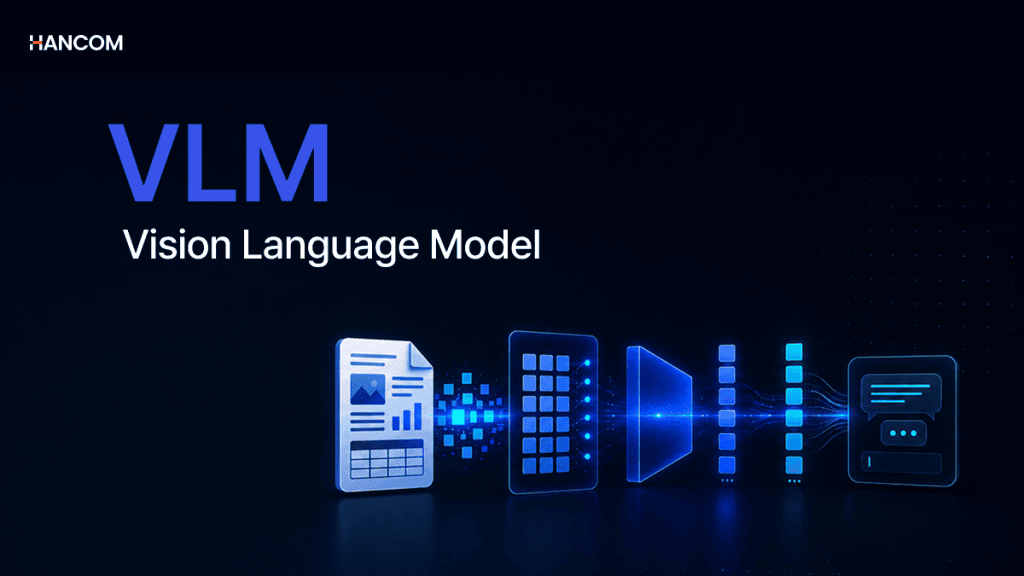
What is VLM?
The Basic Concept of VLM
VLM is a multimodal AI model that processes both images and text.
Traditional LLMs are structured to process only text input. When a document is provided, they can only read textual information and cannot interpret images or charts contained within as meaningful data.
VLM takes this a step further, where a Vision Encoder converts images into vectors, which are then processed alongside the LLM. This structure allows it to understand both meaning and context by accepting visual information in addition to text as a single input.
For example, if a sales graph image is input, an LLM cannot read the image, but a VLM can interpret it as “a bar graph showing a rise in Q3 sales compared to the previous quarter.”
Representative models include LLaVA, Qwen, and Gemma, which are utilized for image captioning, visual question answering (VQA), and document understanding.
How VLM Understands Images and Text
VLM operates through the following flow: Image Input → Vision Encoder → Image Token Conversion → LLM Processing → Text Generation.
When an image is input, the Vision Encoder extracts visual features. The extracted features pass through a Projector and are converted into Image Tokens that the LLM can process.
Subsequently, these tokens are input into the LLM along with a text query to generate the final natural language response.
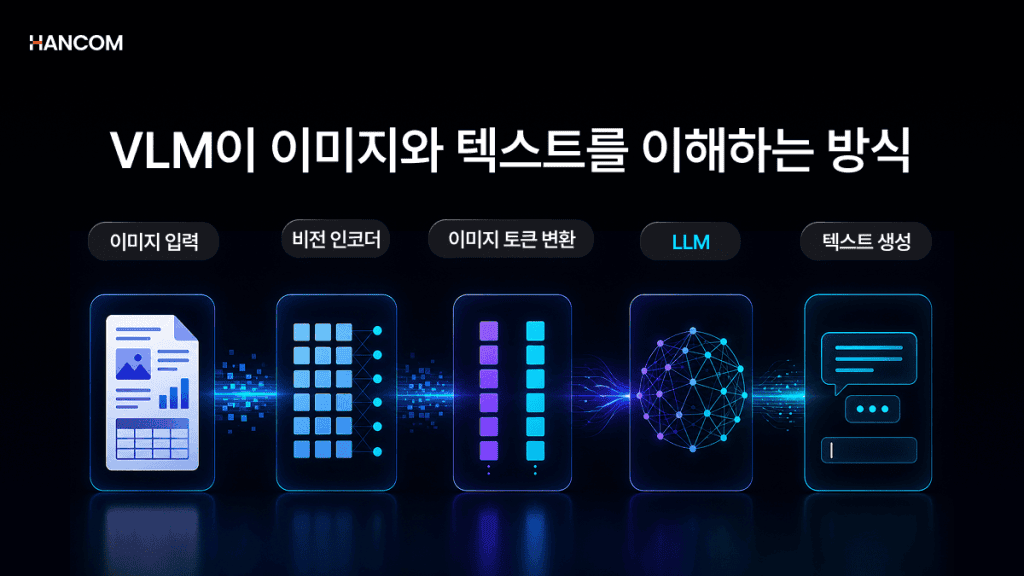
How the Vision Encoder Output Connects with LLM
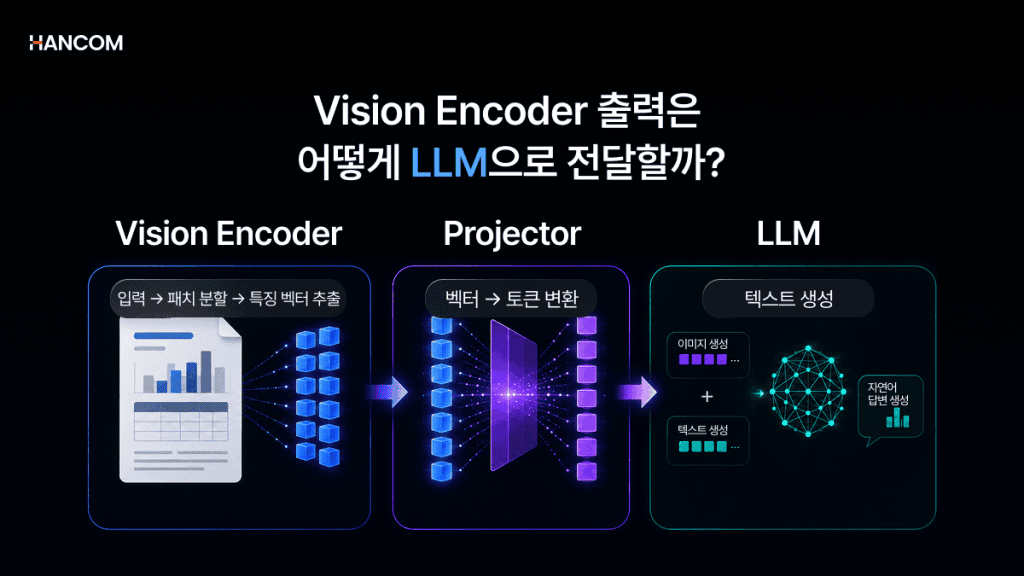
The structure of VLM consists of three elements: a Vision Encoder, a Projector, and an LLM. Image information is transformed into a format that the LLM can process through this pathway.
Role of the Vision Encoder
The Vision Encoder divides an image into small patches, then encodes each into a vector to output Visual Feature Vectors. ViT (Vision Transformer), which applies the Transformer architecture to image processing, is a prime example.
Projector for Image Information Transformation
It converts the Vision Encoder’s output into image tokens that the LLM can understand. Depending on the implementation method, techniques such as Linear Projection or Cross-Attention are used.
Role of the LLM
The LLM, a large language model that generates text, receives both the image tokens converted by the projector and text tokens as input to generate natural language responses. For open-source VLMs, a common approach is to connect the Vision Encoder while maintaining the pre-trained LLM.
Why VLM is Necessary: LLM Limitations and Document AI Challenges
LLM Limitations in Image and Document Processing
LLMs, which process only text, have limitations in understanding visual information such as images, charts, and tables within documents as meaningful data. Information not expressed as text, like document formatting, tables, and figures, is difficult for LLMs to interpret directly. Inputting only text without a separate image processing step can lead to the loss of visual information.
Problem of Structure Loss During Document Parsing
When only text is extracted from PDF, HWP, or HWPX documents and fed into AI, structural information such as tables, paragraphs, and layouts can be lost. Common issues include damaged merged cell structures or scrambled reading order in multi-column layouts. Contextual information embedded in images and charts is also frequently lost during this process.
Why a Multimodal Approach is Necessary
Text-based LLMs alone struggle to fully comprehend the visual information within documents. Just as humans interpret text by simultaneously examining layouts and figures, AI must also be able to understand visual information beyond text. Consequently, a multimodal approach that processes both images and language has emerged as a critical challenge in Document AI.
Comparison of VLM, OCR, and LLM Differences
OCR vs. VLM: Text Recognition vs. Image Understanding
OCR is a technology that recognizes characters within an image and converts them into text, whereas VLM is a technology that understands the visual information and context of an entire image and describes it in language.
OCR extracts ‘what characters are in this image,’ while VLM interprets ‘what this image means.’ In a sales graph image, OCR only reads the axis label text, but VLM goes beyond reading text to explain the context, such as ‘a bar graph showing a rise in Q3 sales compared to the previous quarter.’
📚 Recommended Reading
👉 What is OCR? From Core AI OCR Technology to Document Automation Utilization Guide
LLM vs. VLM: Text-Only vs. Multimodal
Unlike LLMs, which only receive text input, VLMs receive both images and text, making them multimodal models that integrate and process visual and linguistic information.
OCR, LLM, VLM Comparison at a Glance
| Category | OCR | LLM | VLM |
| Input | Image | Text | Image + Text |
| Processing Method | Character Recognition | Language Understanding, Generation | Integrated Visual and Language Understanding |
| Output | Extracted Text | Text | Extracted Text, Image Description, Question Answering |
| Image Understanding | Not Supported | Not Supported | Supported |
Differences from Traditional Computer Vision Models
Unlike traditional computer vision models that perform only specific learned tasks, VLMs flexibly respond to various visual tasks through natural language instructions.
However, for specialized tasks such as object detection and segmentation, dedicated CV models may sometimes exhibit higher accuracy.
Limitations of Traditional CV Models
Traditional computer vision models for tasks like Classification, Object Detection, and Segmentation are designed to perform specific learned tasks accurately and efficiently. While they show high performance in narrow task ranges, adding new tasks requires separate training data and fine-tuning.
Scalability of VLM
VLM defines tasks using natural language instructions. This allows a single model to handle a wide range of tasks, including image captioning, document understanding, and chart interpretation. In document recognition, it eliminates the need to connect OCR, DLA (Document Layout Analysis), and information extraction as separate models. Instead, text, tables, and key-values can be obtained from an image all at once, simplifying the pipeline and significantly reducing error propagation at each stage.
VLM Limitations in Document AI and the Importance of Data Preprocessing
Why VLM May Not Perform Well: Data Quality Issues
While VLM performance itself is important, in actual production environments, the structural quality of input data often significantly impacts the results.
No matter how sophisticated the VLM model, accurate results cannot be achieved if the structure of the data extracted from the document is compromised. If only text is input without document structure information, the VLM struggles to determine whether the content is a title, body text, or part of a specific table cell.
Why AI Performance Decreases When Document Structure is Lost
If table cell relationships, paragraph hierarchies, and the positional relationships between images and text are lost when input into a VLM, the model may struggle to reliably interpret the semantic relationships within the document.
For example, if a document with a sales table under the title ‘Q3 Performance’ is converted to plain text without structure, the relational information between the title and the table can be weakened.
Even in a RAG pipeline, if retrieval pulls only parts of the text with missing structure, it can be passed along with broken context, leading to inaccurate answers or hallucinations.
Impact of Document Data Quality on AI Results
As VLM is a multimodal model that processes both images and text, the quality of the input document’s structure and context can affect the accuracy of the results.
Especially for complex documents combining HWP, HWPX, PDF, and images, it is crucial to extract them while preserving table structures, paragraph hierarchies, and image positional relationships.
Contextual information such as the relationship between titles and body text, the row and column structure of tables, and descriptions around images must be maintained for VLMs and LLMs to interpret documents more naturally.

Hancom Data Loader: Documents into AI-Understandable Data
Hancom Data Loader is a DLA solution that solves preprocessing issues in document AI systems.
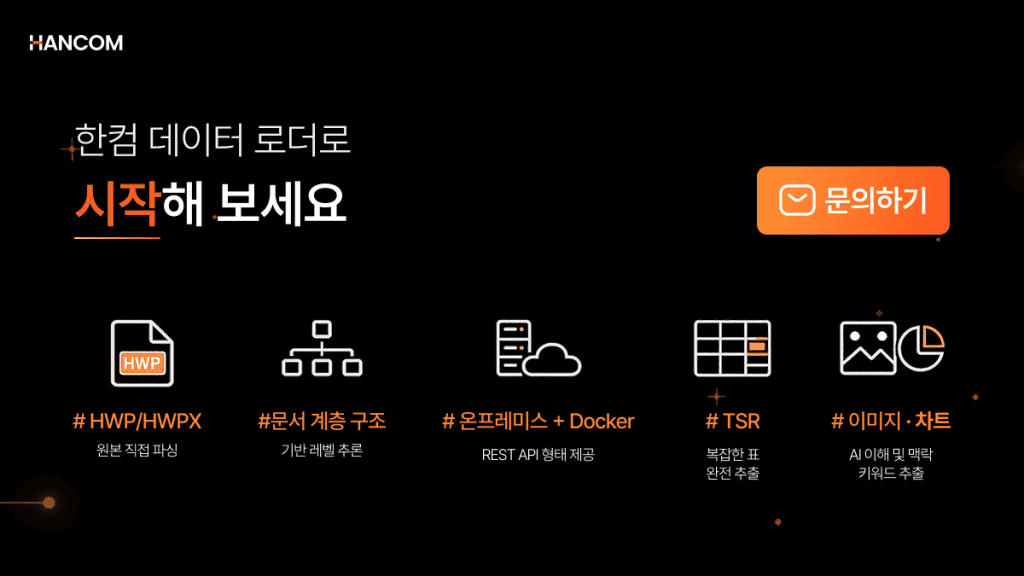
Resolves document structure loss issues. By directly parsing the original binaries of HWP and HWPX, it preserves metadata without data loss.
Preserves tables and multi-column layouts. It preserves the original structure, including merged cells, borderless tables, and the reading order of multi-column layouts, extracting data at the cell level. This ensures that row and column relationships are maintained when input into VLMs or LLMs.
Preserves text and object relationships. It identifies the positional relationships of text, images, and charts using DLA technology. It also supports a pipeline that converts images into text descriptions using VLM-based image captioning technology. (This feature is currently in the PoC stage; commercial release dates will be announced later.)
Converts unstructured documents into data. Scanned documents, PDFs containing images, and complex HWP/HWPX layouts can be output in structured formats like JSON, depending on the document type and product configuration, making them suitable for AI training data preparation and RAG pipeline integration.
💡 Before building your VLM and RAG pipeline, please check the quality of your document preprocessing.
VLM Frequently Asked Questions (FAQ)
Q1. What is the difference between VLM and LLM?
VLM is a multimodal AI model that processes both images and text. Unlike traditional LLMs, which operate primarily on text, VLMs can process image inputs alongside text to generate responses based on the relationship between visual information and text.
Q2. What is the difference between document parsing and OCR?
OCR is a technology that converts characters within an image into text, while document parsing analyzes the overall structure, hierarchy, and semantic relationships of a document, converting them into structured data. If OCR focuses on reading what is written, parsing focuses on analyzing how it is arranged structurally.
Q3. Why is separate parsing necessary for AI to read documents?
AI can process context more stably with data that maintains paragraph hierarchy, table structure, and positional relationships, rather than plain text. If documents are input via simple copy-pasting, table structures can break, and image context information may be lost. Document parsing is a preprocessing step that converts documents into a format AI can utilize while preserving this structural information.
In the VLM Era, Document Data Quality Determines AI Performance
🖥️ Hancom Data Loader
As VLM and multimodal AI continue to advance, input data quality becomes the determining factor in AI performance. Establishing a preprocessing pipeline that supplies the right data takes priority over simply having a high-performance model.
Hancom Data Loader structures HWP, HWPX, PDF, and OOXML to create high-quality data that can be utilized for RAG pipeline integration. Reliable document preprocessing that agents can trust begins with Hancom Data Loader.
👉 Go to Hancom Data Loader Live Demo
References
- NVIDIA, “What Are Vision Language Models”
- IBM, “What are vision language models?”
- Encord, “Guide to Vision-Language Models”
- Hancom Tech Blog, “Multimodal VLM Technology Trends”
- Parseur, “What is OCR (Optical Character Recognition)?”